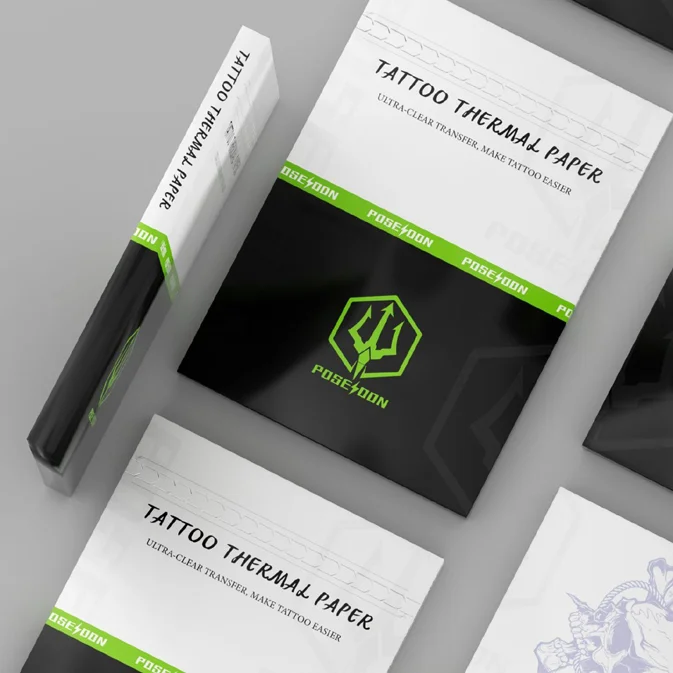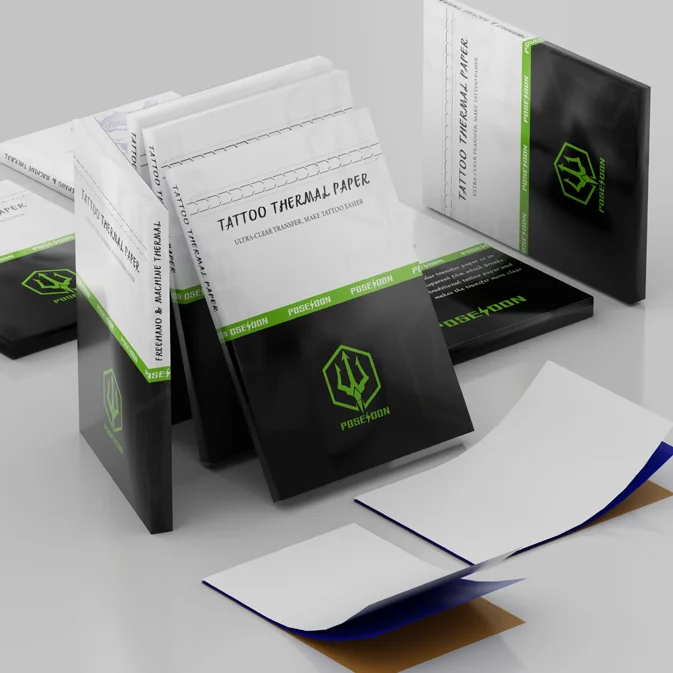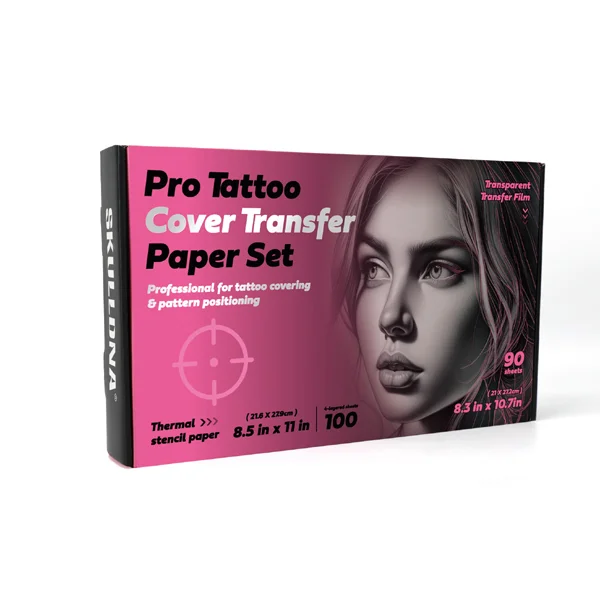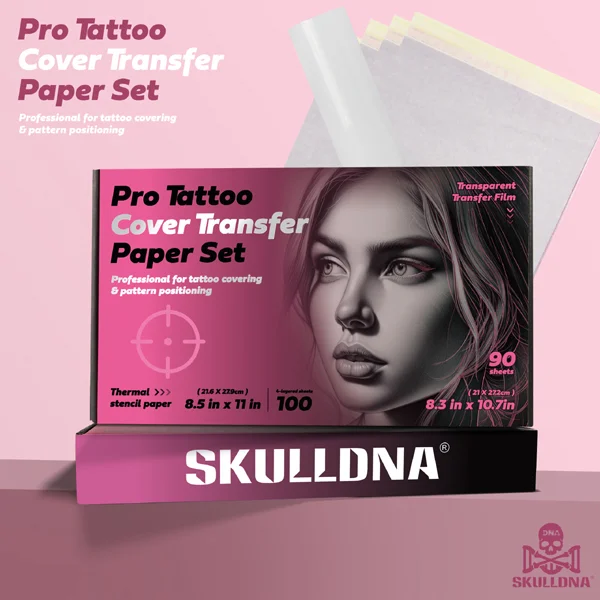
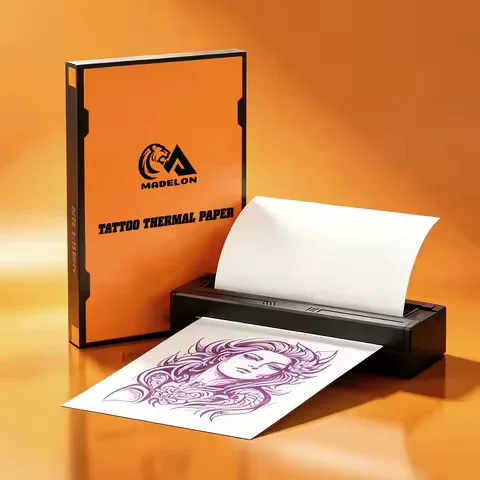
MADELON PROFESSIONAL TATTOO THERMAL PAPER (100 SHEETS)

How to Use

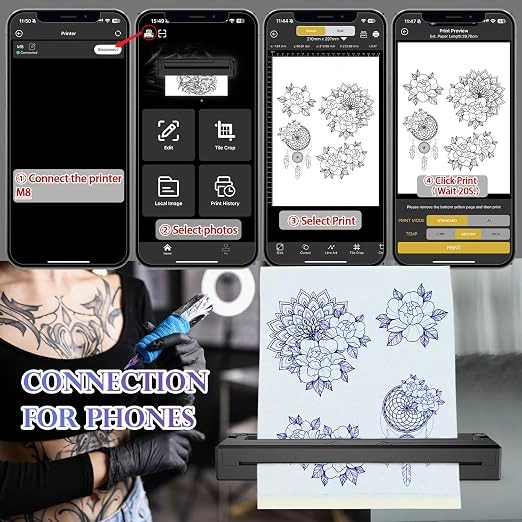
  1. Prepare your tattoo design on your computer or design software.
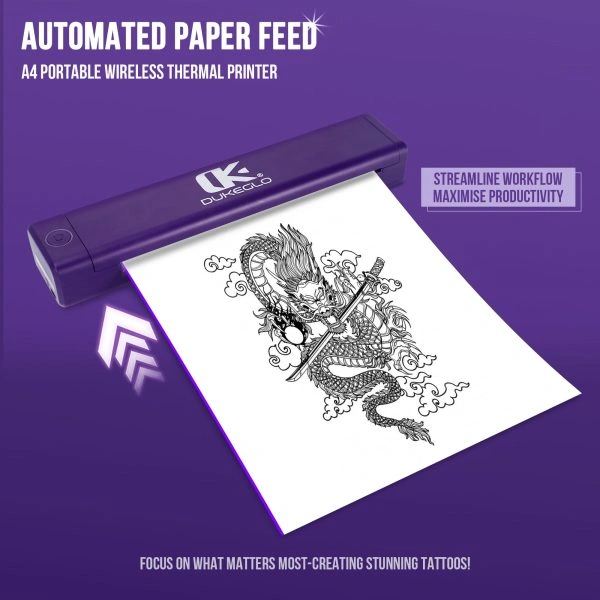
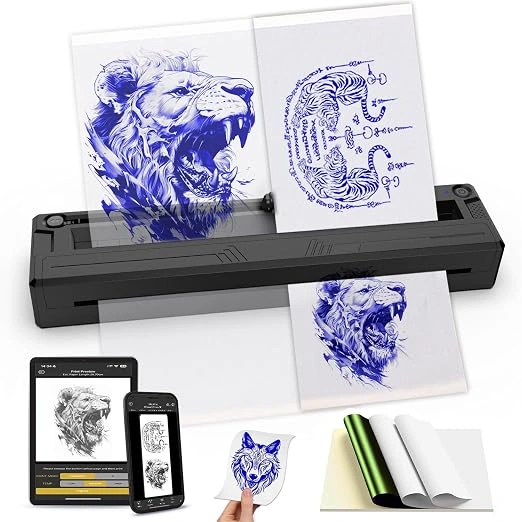
  2. Place the MADELON thermal transfer paper correctly in your compatible thermal printer.
  3. Print/copy the design to create the stencil.
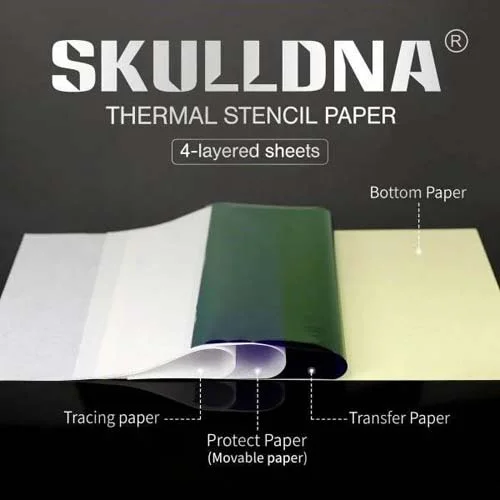
  4. Remove the required protective/carbon layers according to the paper configuration.
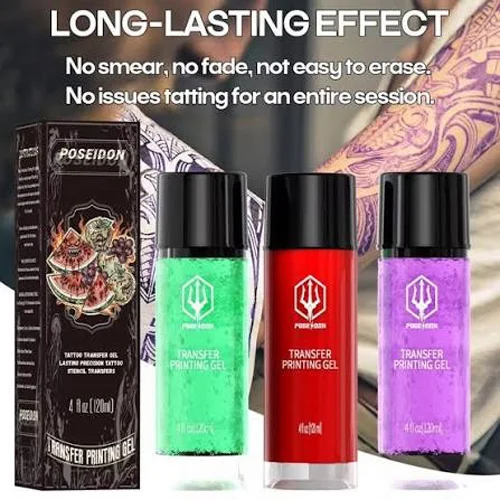
  5. Apply the finished stencil using an appropriate tattoo stencil transfer medium.
  6. Allow the stencil to set before beginning the tattoo.

₹2,500.00

Description

MADELON PROFESSIONAL TATTOO THERMAL PAPER (100 SHEETS):

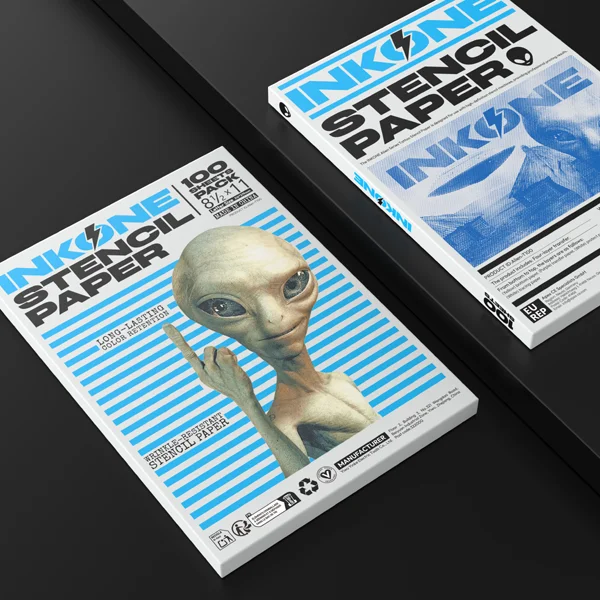
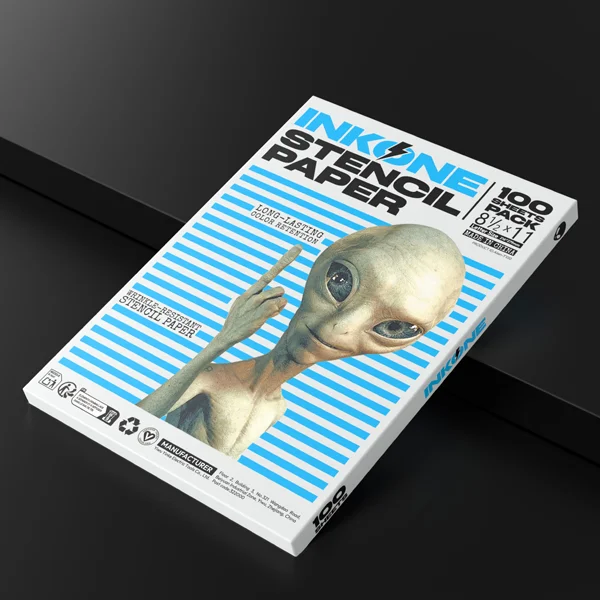
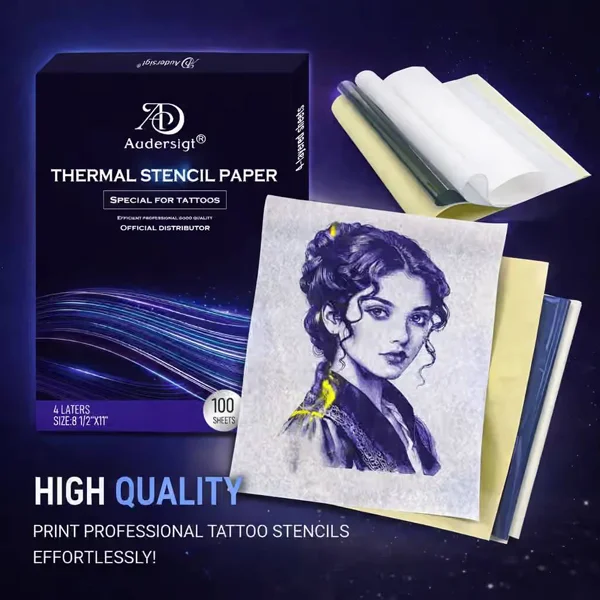
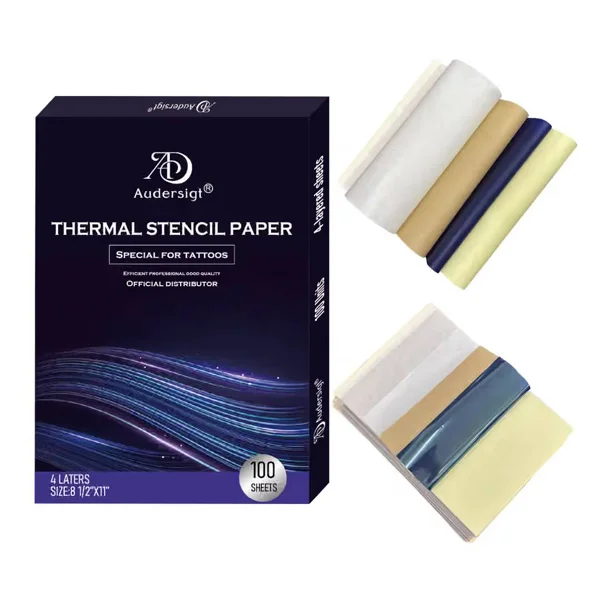
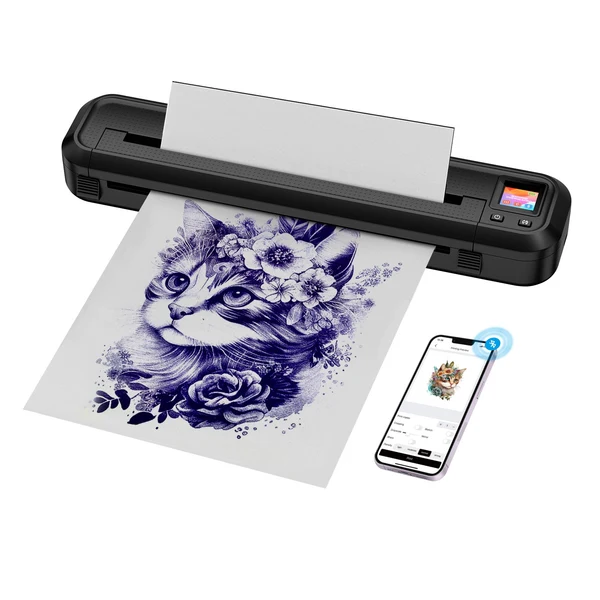
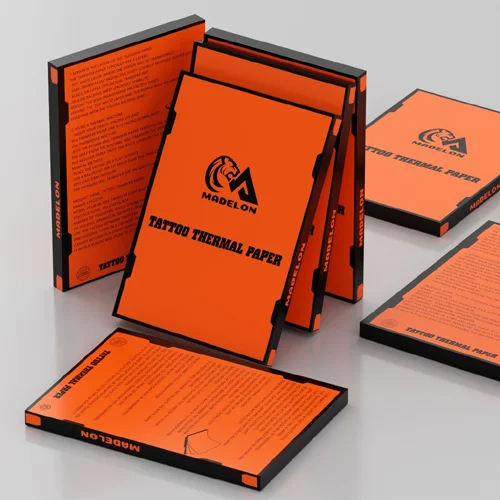
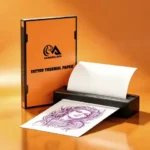
MADELON Tattoo Thermal Transfer Paper is designed for creating tattoo stencils quickly and accurately using a thermal tattoo transfer printer or by manual tracing. The MADELON 100-sheet product is listed as A4-size thermal copier/template paper, intended for tattoo artists and tattoo-transfer applications.

Product Details

  • Brand: MADELON
  • Product Type: Tattoo Thermal Transfer Paper
  • Pack Quantity: 100 Sheets
  • Size: A4
  • Use: Tattoo stencil transfer
  • Application: Thermal printer/copy machine and stencil preparation
  • Suitable For: Tattoo artists, studios and professional tattoo work

Key Features

  • Sharp Stencil Transfer – Helps reproduce tattoo designs with clear outlines and fine details.
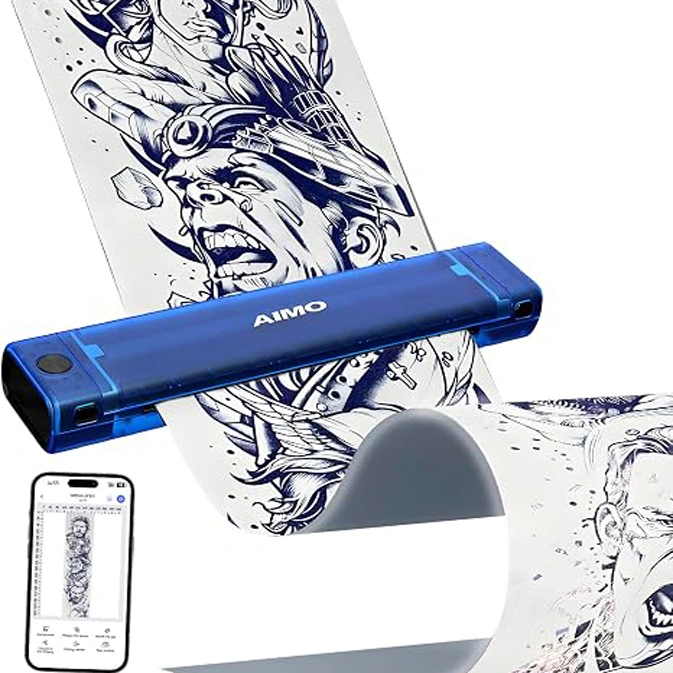
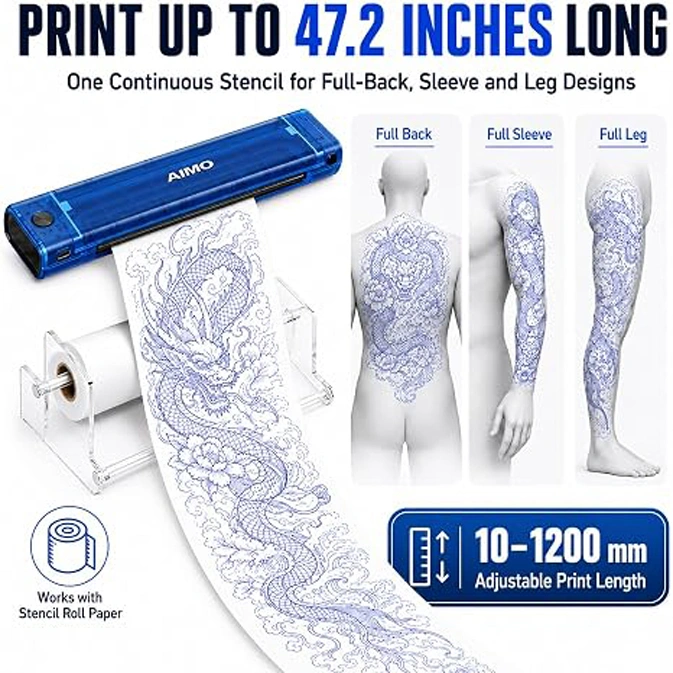
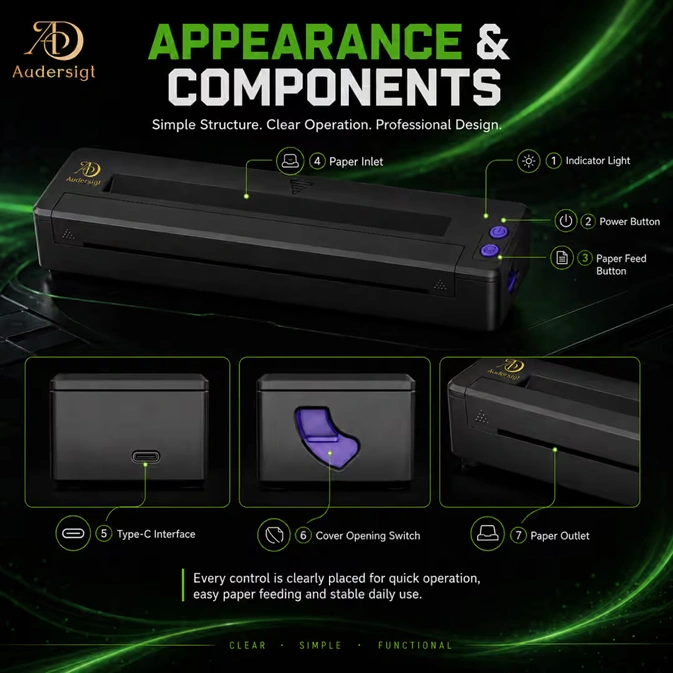
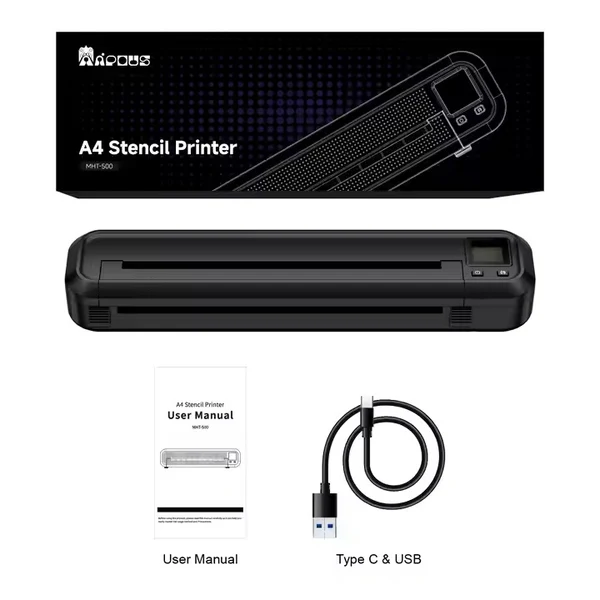
  • Thermal Printer Compatible – Designed for use with tattoo thermal transfer/copy machines.
  • A4 Size – Convenient standard format for a wide range of tattoo designs.
  • 100-Sheet Pack – Suitable for regular studio use and multiple stencil projects.
  • Manual & Machine Stencil Work – Thermal tattoo transfer papers are commonly available for both thermal-machine and hand-tracing workflows.
  • Professional Tattoo Supply – Useful for transferring artwork, lettering, outlines and custom tattoo designs onto stencil media.

Ideal For

  •  Tattoo Stencil Printing
  •  Thermal Tattoo Printers
  •  Tattoo Design Transfer
  •  Custom Tattoo Artwork
  •  Fine Line & Detailed Designs
  •  Lettering & Illustrations
     Professional Tattoo Studios

How to Use

  1. Prepare your tattoo design on your computer or design software.
  2. Place the MADELON thermal transfer paper correctly in your compatible thermal printer.
  3. Print/copy the design to create the stencil.
  4. Remove the required protective/carbon layers according to the paper configuration.
  5. Apply the finished stencil using an appropriate tattoo stencil transfer medium.
  6. Allow the stencil to set before beginning the tattoo.

Important: Thermal papers can be sensitive to heat and humidity, so store unused sheets in a dry place away from excessive heat and moisture.

Specification

Overview

Customer Reviews

Reviews

There are no reviews yet.

Be the first to review “MADELON PROFESSIONAL TATTOO THERMAL PAPER (100 SHEETS)”

Your email address will not be published. Required fields are marked *